Listening & playlists
Put a recording on a Creative-Tonie
tonies has no way for apps to reach a Toniebox, so this is a file and a short upload. Voicebooks makes the file; you carry it across.
-
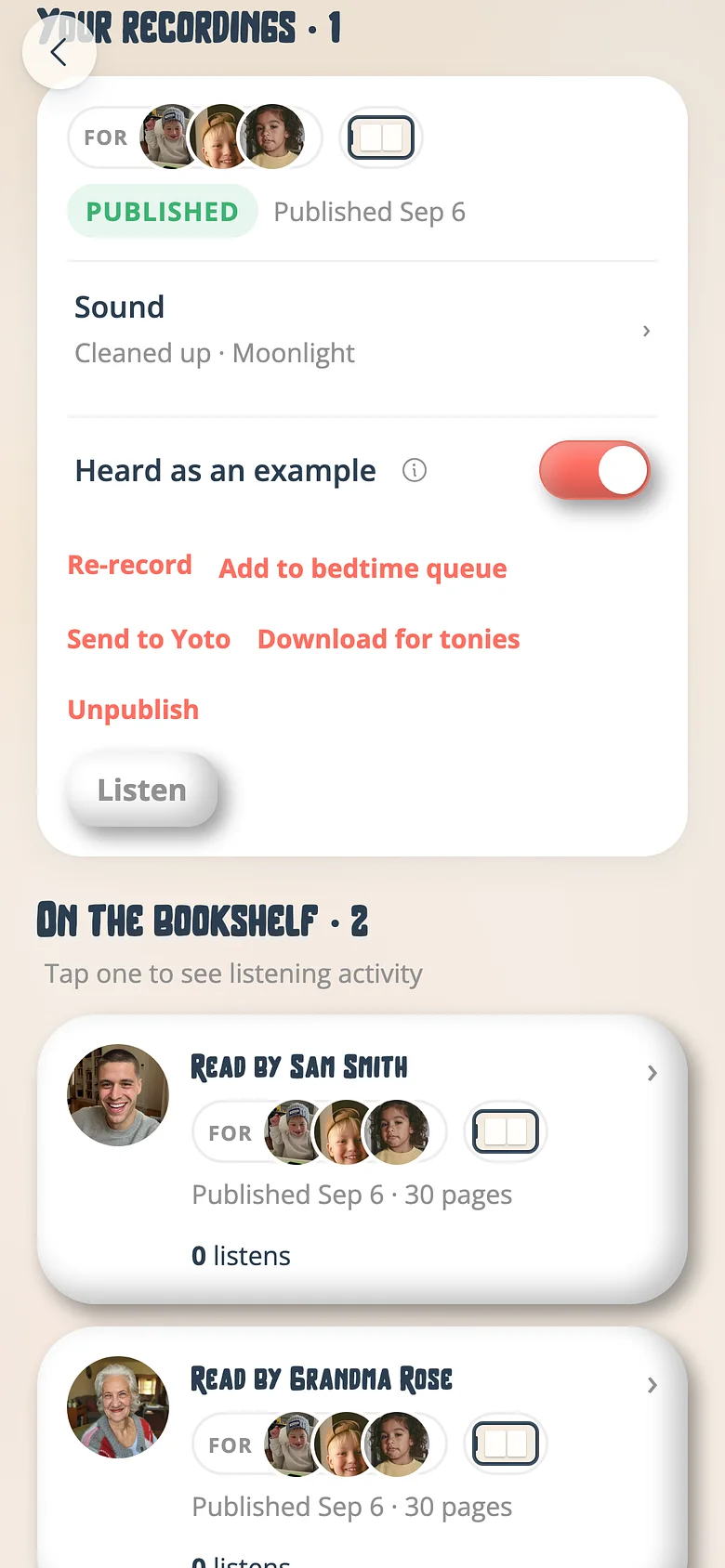
Press Download for tonies
On a published recording's card, or on a playlist, press Download for tonies. Voicebooks joins every kept page into one file, in order, with a breath between pages. -
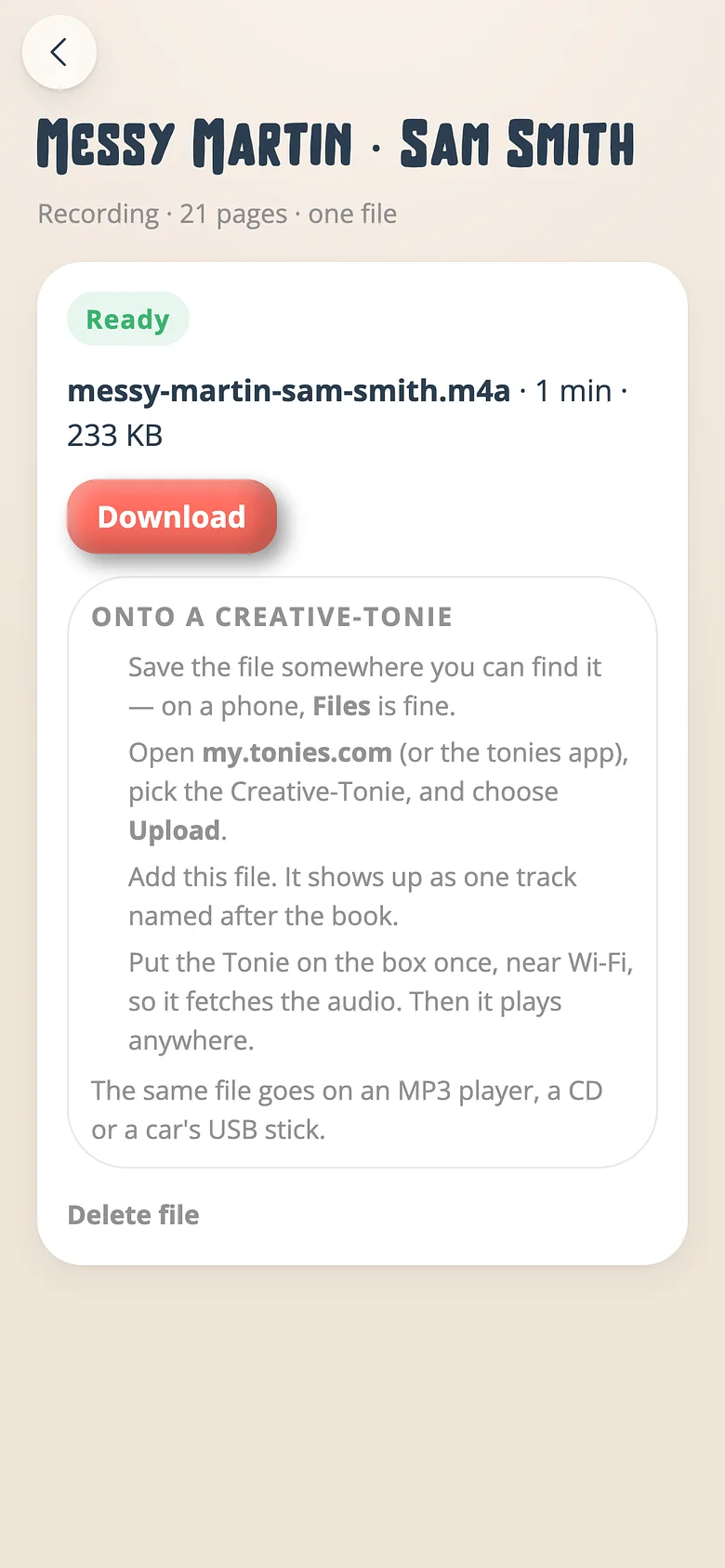
Download the file
The file's screen says when it's ready and how long it runs. Press Download. On a phone it lands in Files; on a laptop, in Downloads. It's an ordinary .m4a. -
Upload it to the Tonie
Sign in at my.tonies.com (or open the tonies app), pick the Creative-Tonie, and choose Upload. Add the file. It appears as one track named after the book. -
Put the Tonie on the box once
Near Wi-Fi, set the Creative-Tonie on the Toniebox. It fetches the audio and keeps it. After that it plays anywhere — the car, the grandparents', the tent.
Good to know
- A Creative-Tonie holds ninety minutes. The file's screen says if a playlist has gone over; make a file of each book instead, or split the list across two Tonies.
- The same file plays on an MP3 player, in a car over USB, or burnt to a CD.
- Make the file again after re-recording a page — it's a snapshot, not a link. Delete the old one from Yoto & tonies on the Family tab.
Next
Send a recording to a Yoto card
Link your Yoto once. After that, any published recording is one tap from being a card in your Yoto app.
Read the guideBuild a bedtime playlist
Three books in order is a routine. Save it and it's waiting next week.
Read the guideListen without the screen
The story without the pages. For bedtime, the car and small speakers.
Read the guideTry it with a real book
Free to start. The first page takes a minute.