Listening & playlists
Listen without the screen
The story without the pages. For bedtime, the car and small speakers.
-
Choose a recording
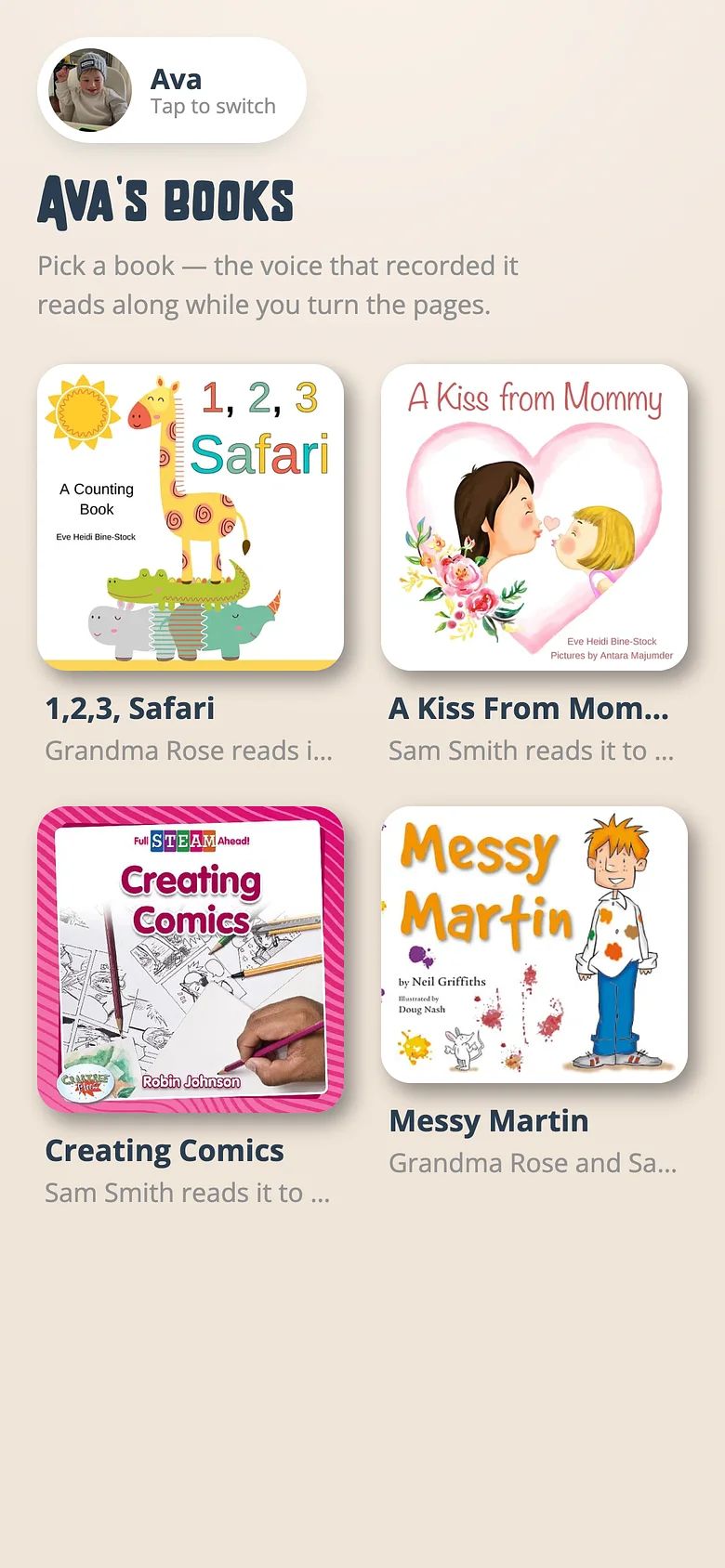
From a child's shelf, open a book and tap Just listen. That starts tonight's queue. -
Put the phone down
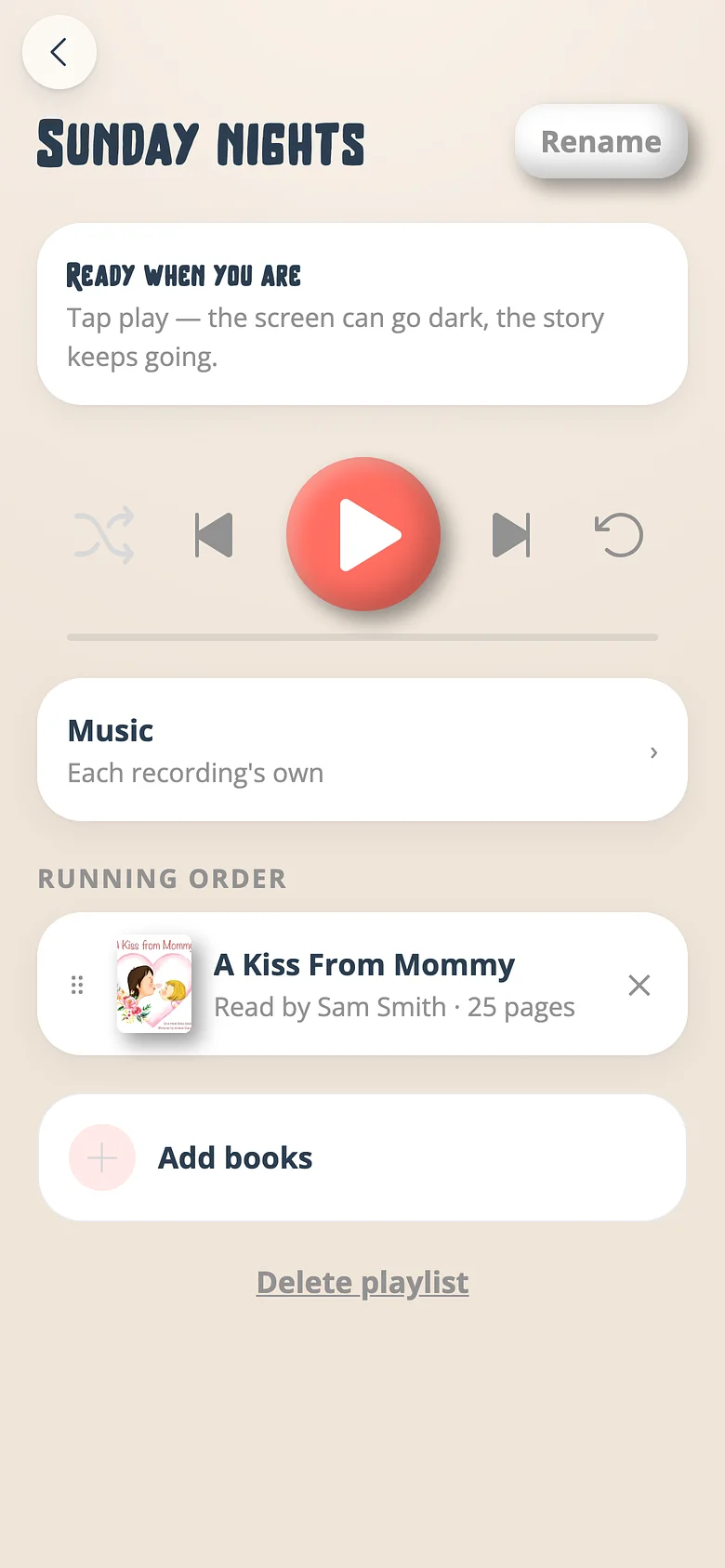
It keeps playing when the phone locks. Play, pause and next book are on the lock screen and in the car. -
Loop it, shuffle it
The player remembers what you set. Skip moves by book, never by page.
Good to know
- Add the next book and the next; save the queue with a name and it's a playlist for next week.
Next
Build a bedtime playlist
Three books in order is a routine. Save it and it's waiting next week.
Read the guidePut one bed of music under a whole playlist
One mood for the evening, whatever each recording had.
Read the guidePair a smart TV
A TV has no keyboard, so it never asks for one. It shows a code; a phone approves it.
Read the guideTry it with a real book
Free to start. The first page takes a minute.