Skip to content

Listening & playlists

Build a bedtime playlist

Three books in order is a routine. Save it and it's waiting next week.
About 2 min 4 steps PhoneDesktop
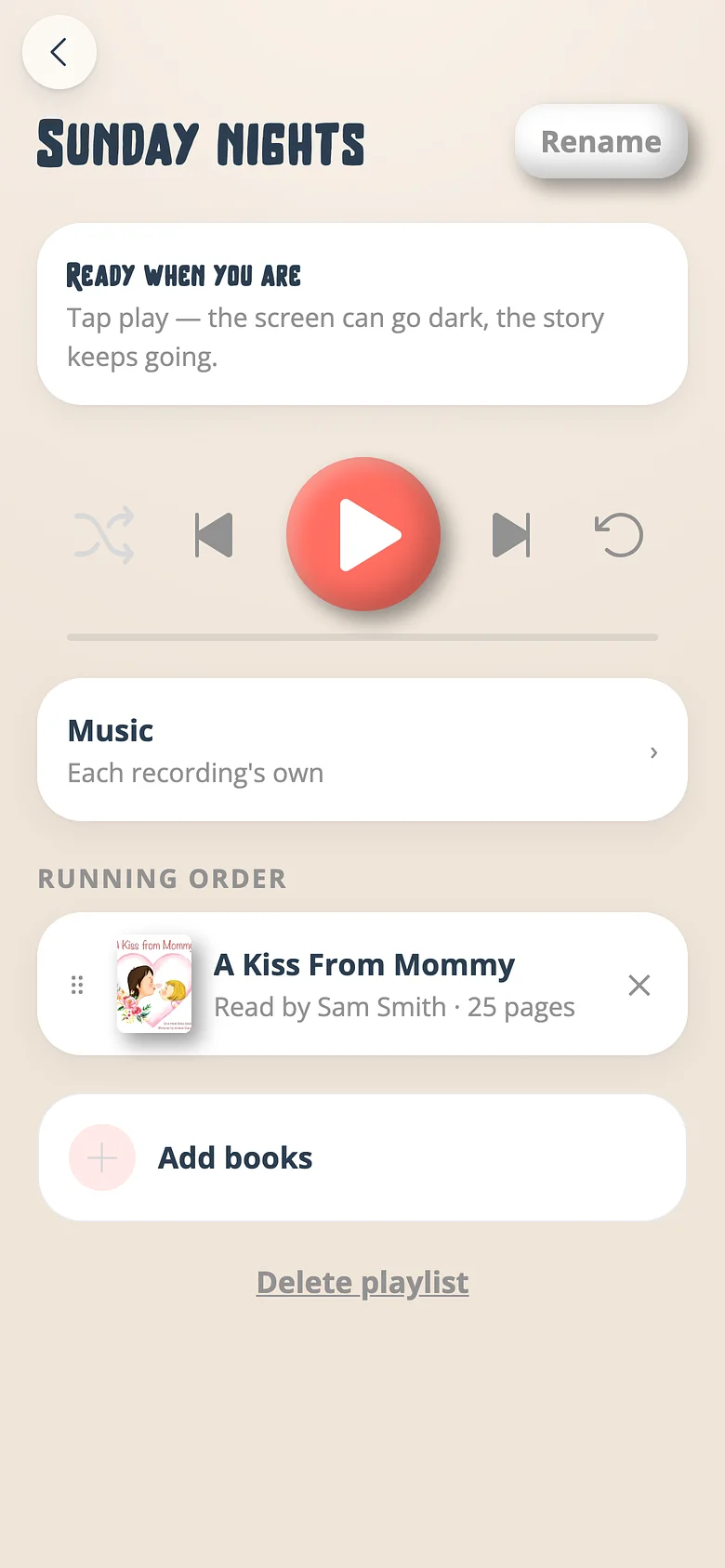
A Voicebooks playlist with its running order, play controls and music setting
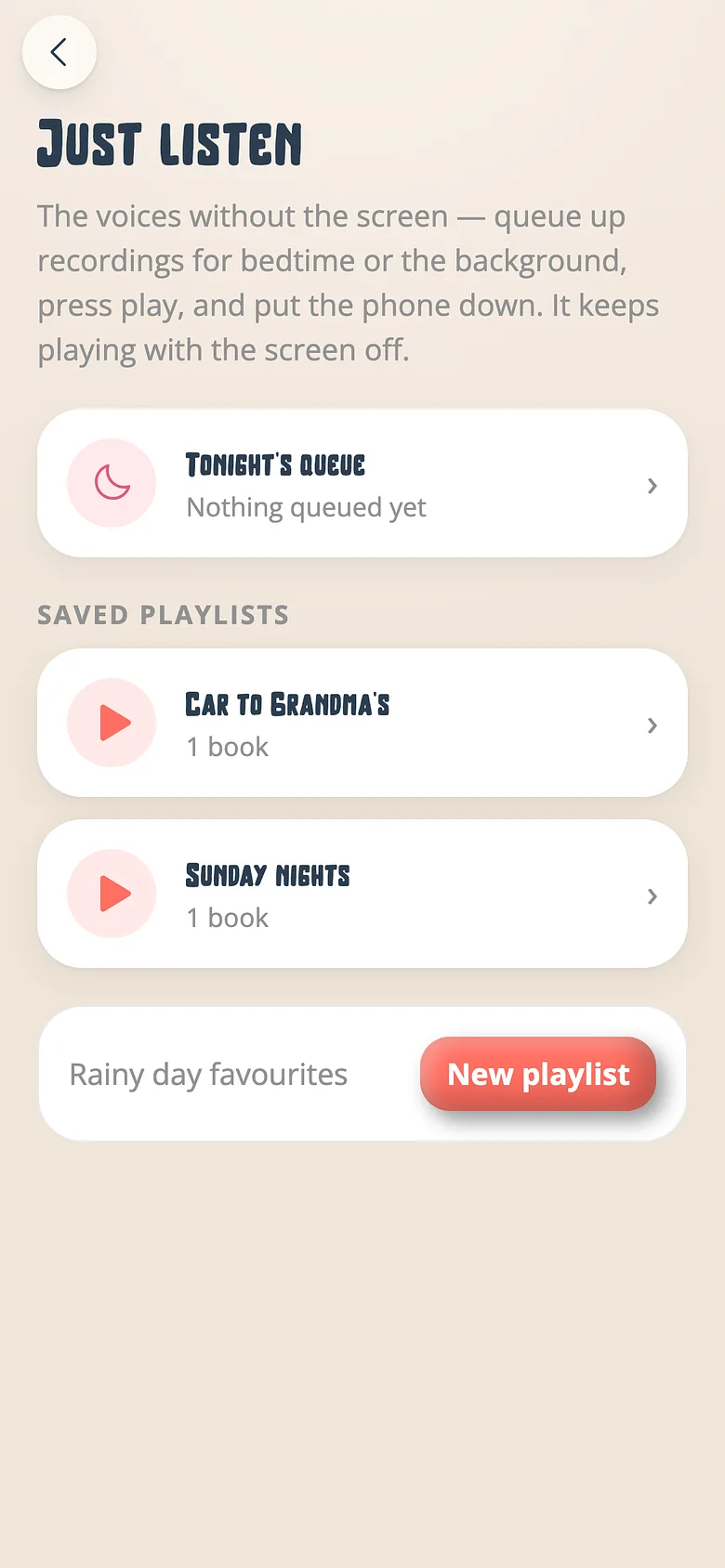
The Voicebooks playlists screen with tonight's queue and saved playlists
A Voicebooks playlist with its running order, play controls and music setting
  1. Start a queue

    Just listen on any recording starts tonight's queue. Add more from any shelf the family can hear — including a grandparent's and a classroom's.
    A Voicebooks playlist with its running order, play controls and music setting
  2. Order it

    Drag the books into tonight's order. Skip will move book by book.
    A Voicebooks playlist with its running order, play controls and music setting
  3. Name it

    Saving is naming — "Sunday nights", "Car to Grandma's". The next queue starts itself.
    The Voicebooks playlists screen with tonight's queue and saved playlists
  4. Play it anywhere

    On the phone, on the TV, in the car. Loop and shuffle are remembered per playlist.
    A Voicebooks playlist with its running order, play controls and music setting

Good to know

  • Playlists belong to the family, so a co-parent or a grandparent finds the same list.

Try it with a real book

Free to start. The first page takes a minute.

Two Voicebooks mascots — a grown-up and a child — side by side, smiling