Listening & playlists
Put one bed of music under a whole playlist
One mood for the evening, whatever each recording had.
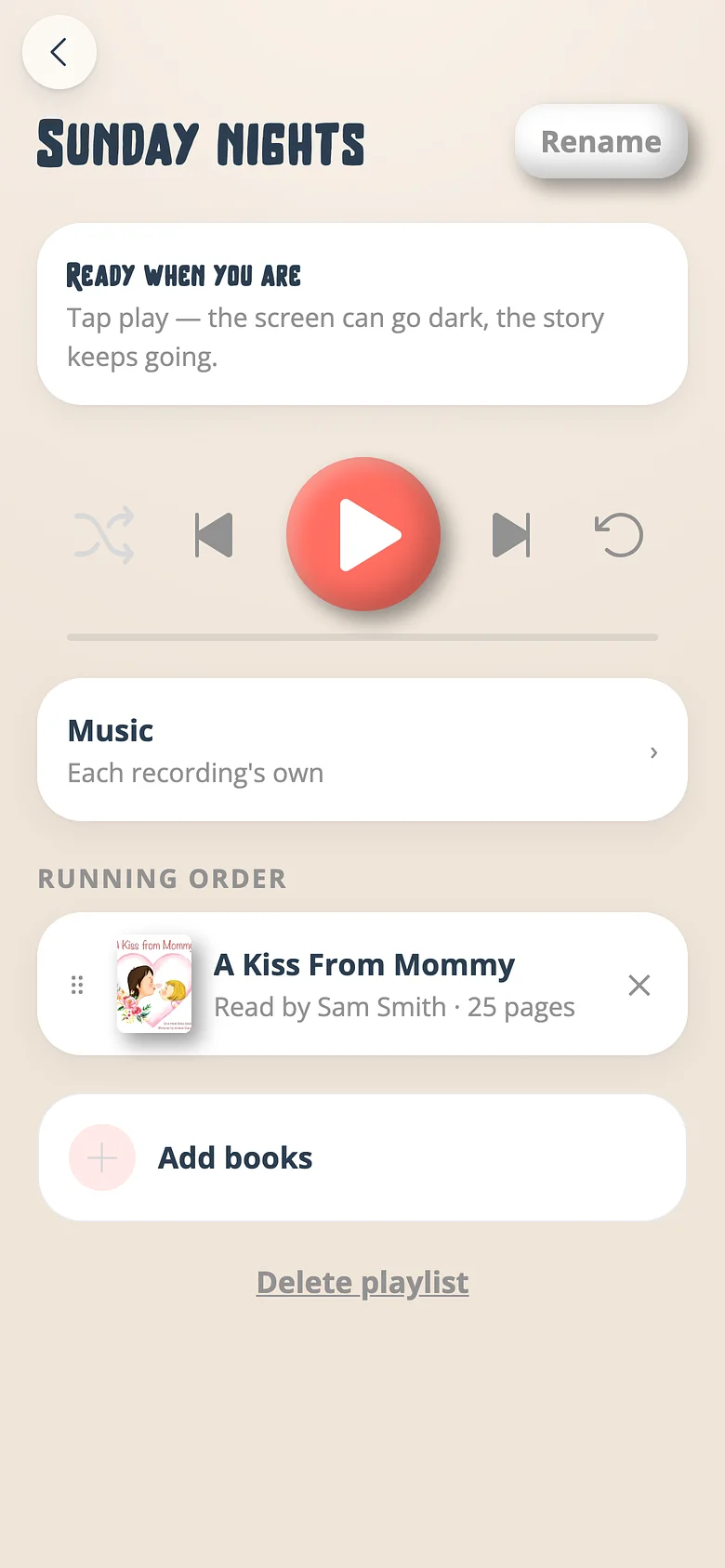
-
Open the playlist
From Playlists, open the one you want. -
Choose the music
Tap the music control. Pick a bed for the whole list, or Off. The playlist's answer rides over every recording's own while it plays.
Good to know
- Play a recording on its own and it has its own music again — the playlist only overrides while the playlist is playing.
Try it with a real book
Free to start. The first page takes a minute.