Listening
Tonight's books, in order
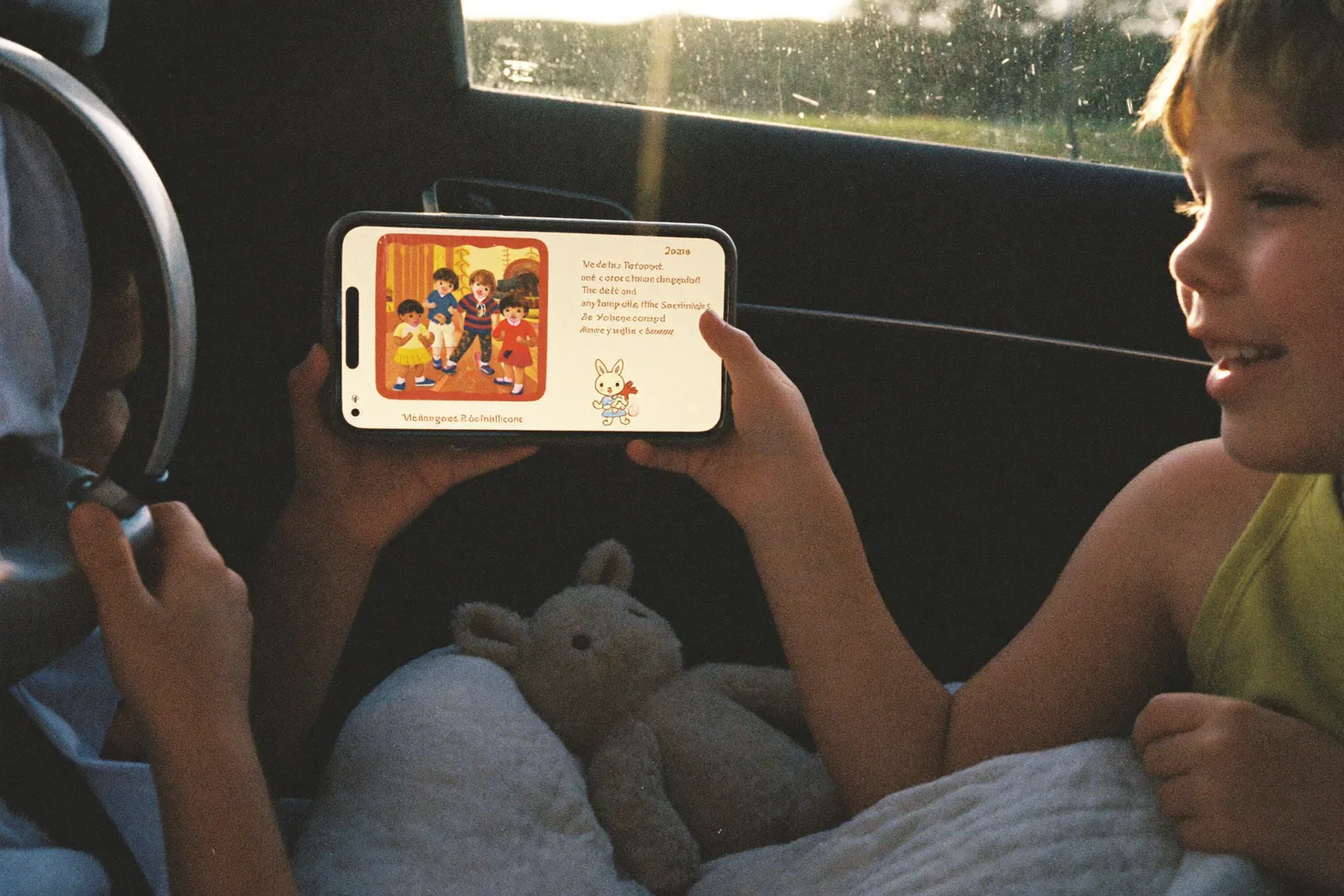
Build a queue of recordings, name it, and it's there next week. Loop it, shuffle it, put music under all of it. Skip moves by book, so a page never gets lost.
How it works
From "one more" to a saved routine
-
Start a queue
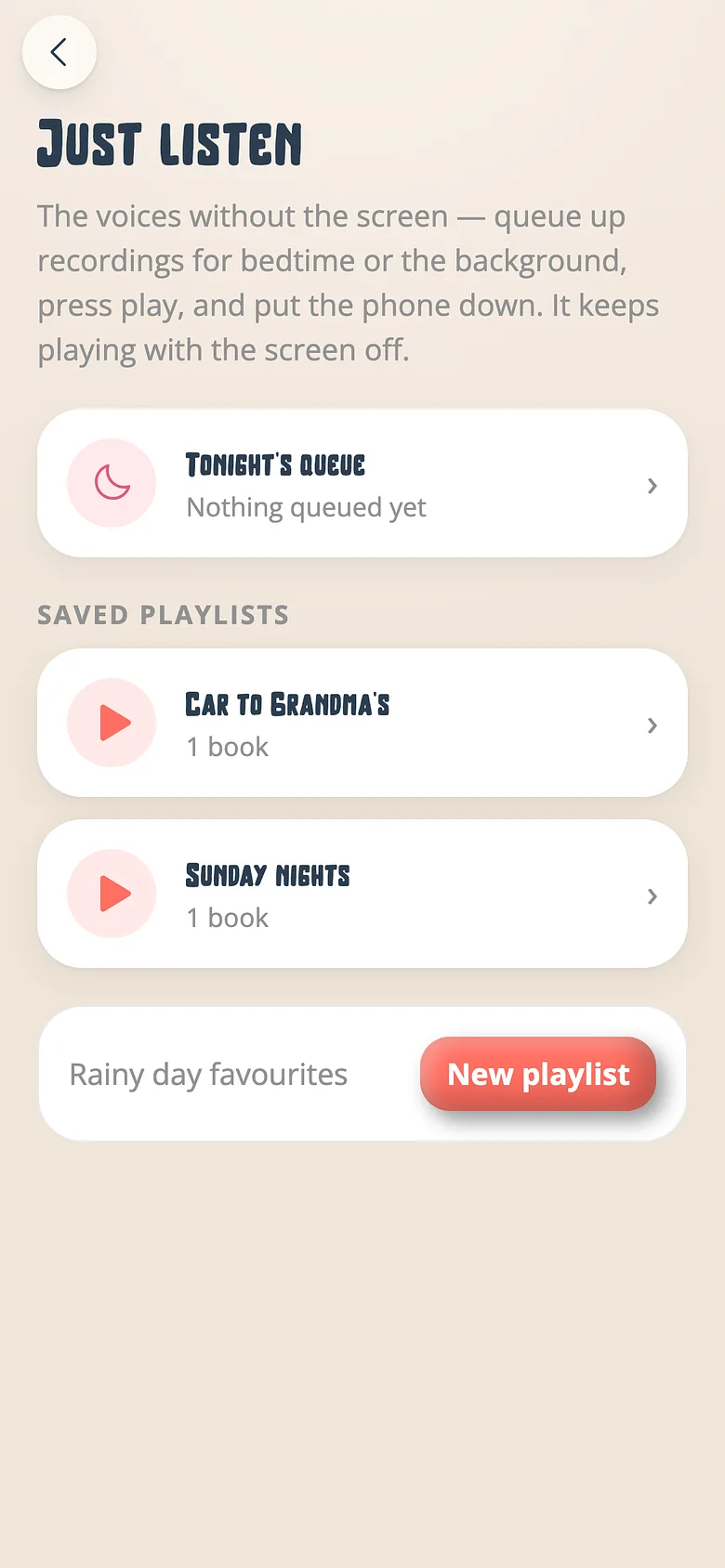
Tap a recording and choose Just listen. That starts tonight's queue. Add the next book, and the next. -
Name it
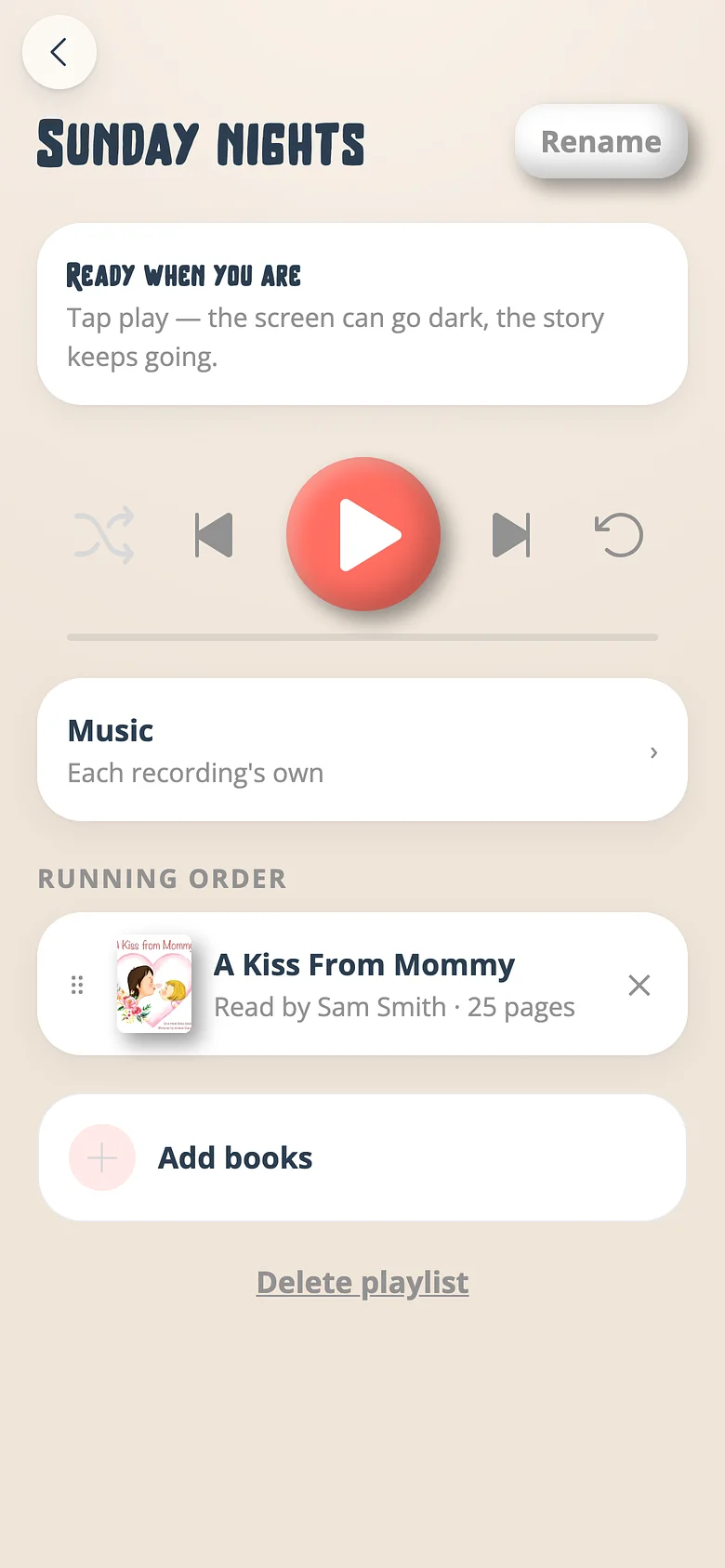
Saving the queue is naming it. "Sunday nights", "Car to Grandma's", "The ones for when he's poorly". The next queue starts itself. -
Give it a sound
One bed of music for the whole list, or none. The playlist's choice rides over every recording's own. -
Press play and put the phone down
It keeps playing when the phone locks. Skip goes by book. Loop keeps it going for the ones who need it twice.
Details that hold up at bedtime
Loop and shuffle, remembered
The player keeps the settings you left it with. A loop set on Tuesday is still looping on Wednesday.
One bed for the whole list
Choose music for a playlist and it quietly replaces whatever each recording had, so the evening has one mood.
Learn moreSkip by book
Skipping a story skips the story, not a page of it. A child who wants the next one gets the next one.
Lock-screen controls
Play, pause, next book, straight from the lock screen or a car's dashboard.
On the TV too
A playlist on the television becomes the afternoon's programme, pages and all.
Learn morePer family, for everyone
Playlists belong to the family, so a co-parent or a grandparent finds the same "Sunday nights".
Make tonight's list
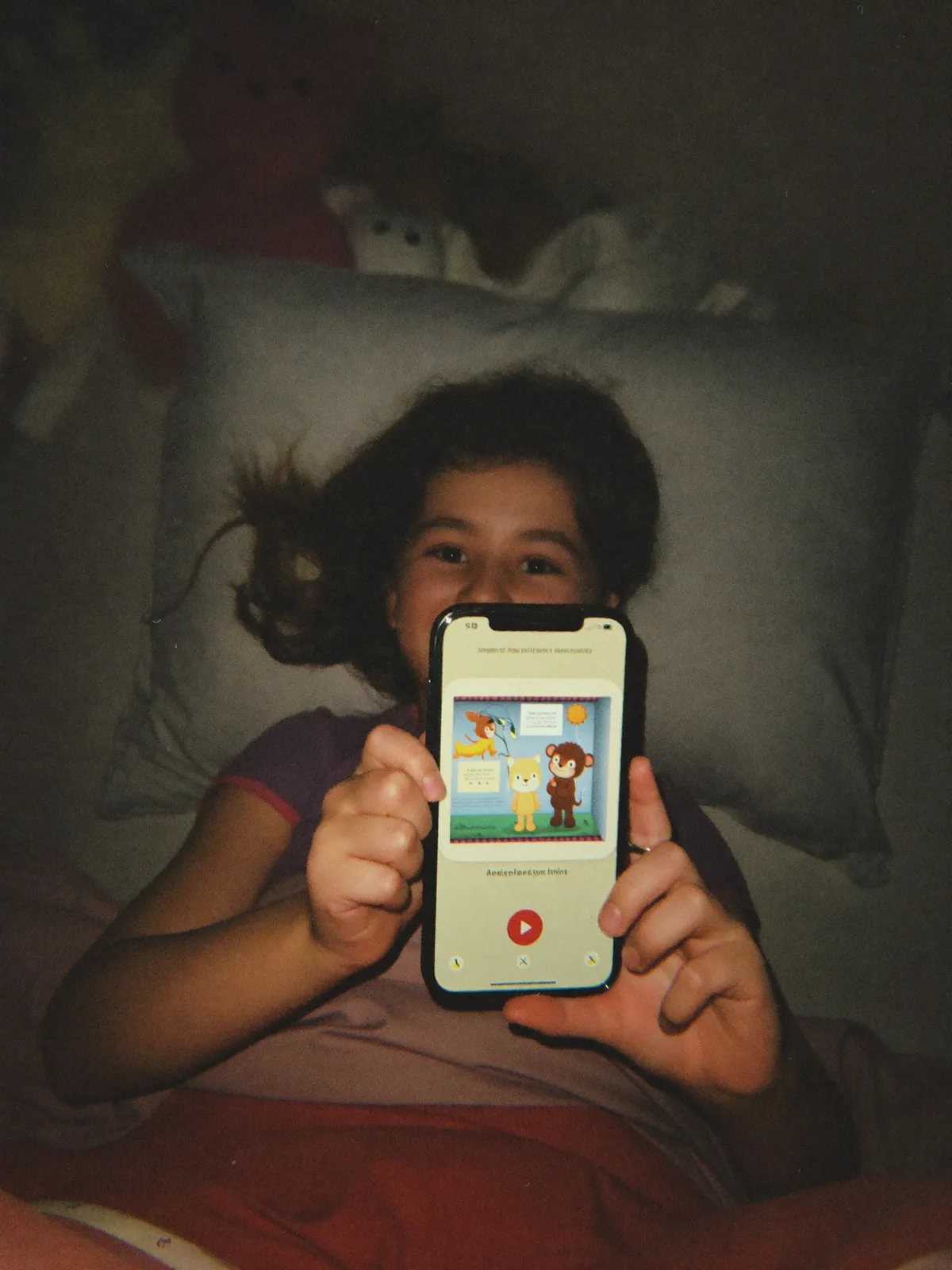
Three recordings is a playlist. Free, on every plan.