Recording
Put music under a recording
Every published recording has a sound sheet. That's where the artist chooses a bed, or none.
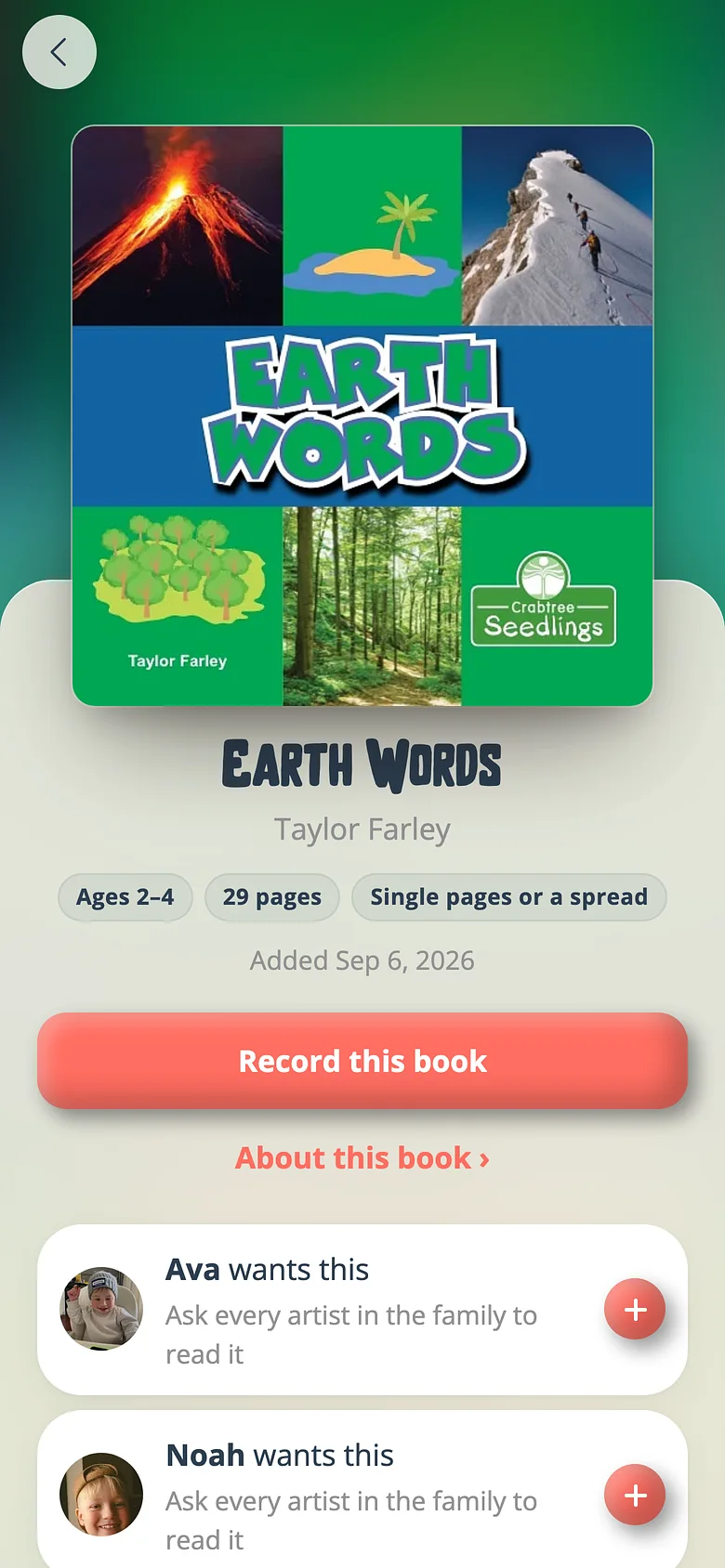
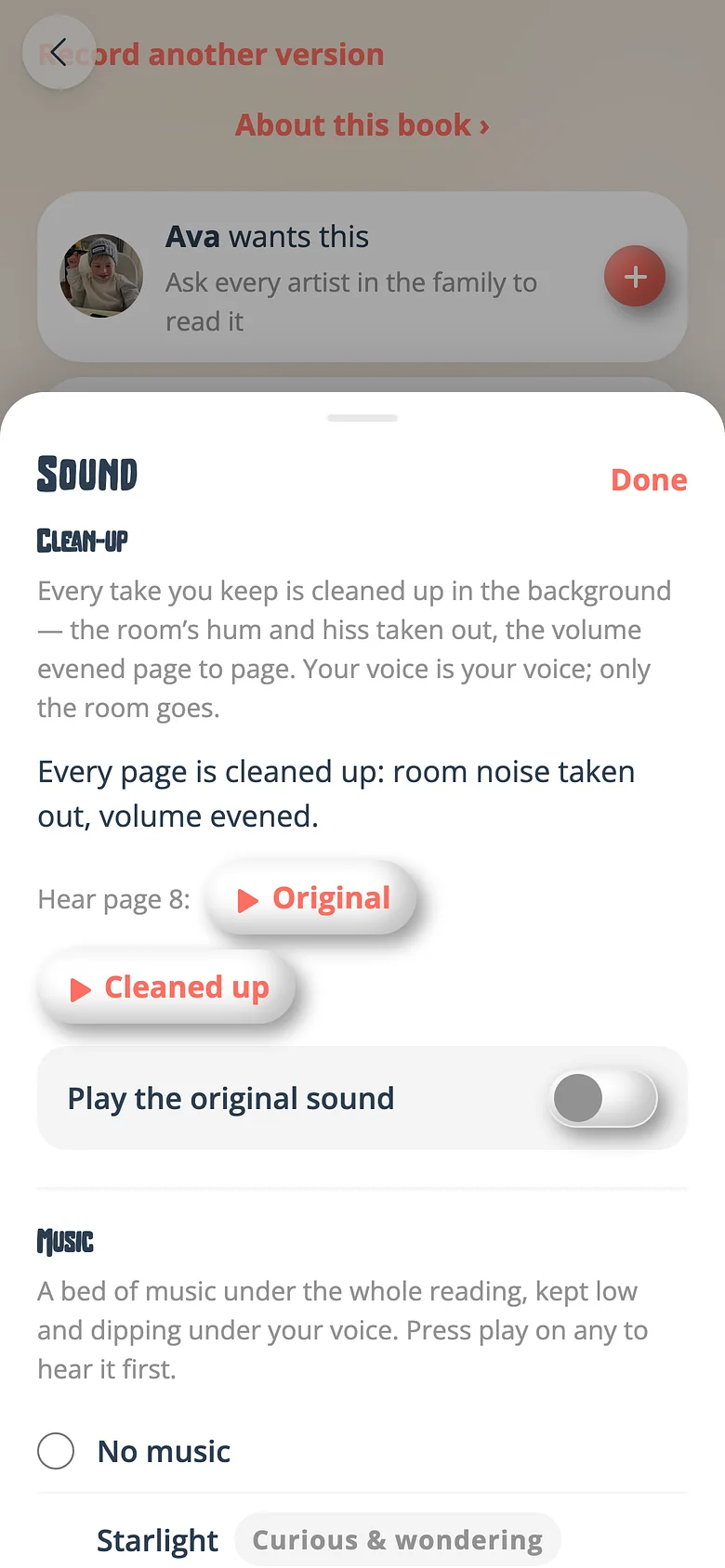
-
Open your recording's card
From the book's screen, your recording has a card with a Sound button. -
Pick a mood
The shelf has fifteen beds — three each for sleepy, cosy, brave, silly and wonder. Tap one to hear it under your voice. -
Decide about Voice Care
Every kept take is gently cleaned up by default. Original sound plays the takes exactly as recorded, instead.
Good to know
- A playlist's music rides over every recording's own while the playlist plays; on its own the recording keeps yours.
Try it with a real book
Free to start. The first page takes a minute.