Listening & playlists
Pair a smart TV
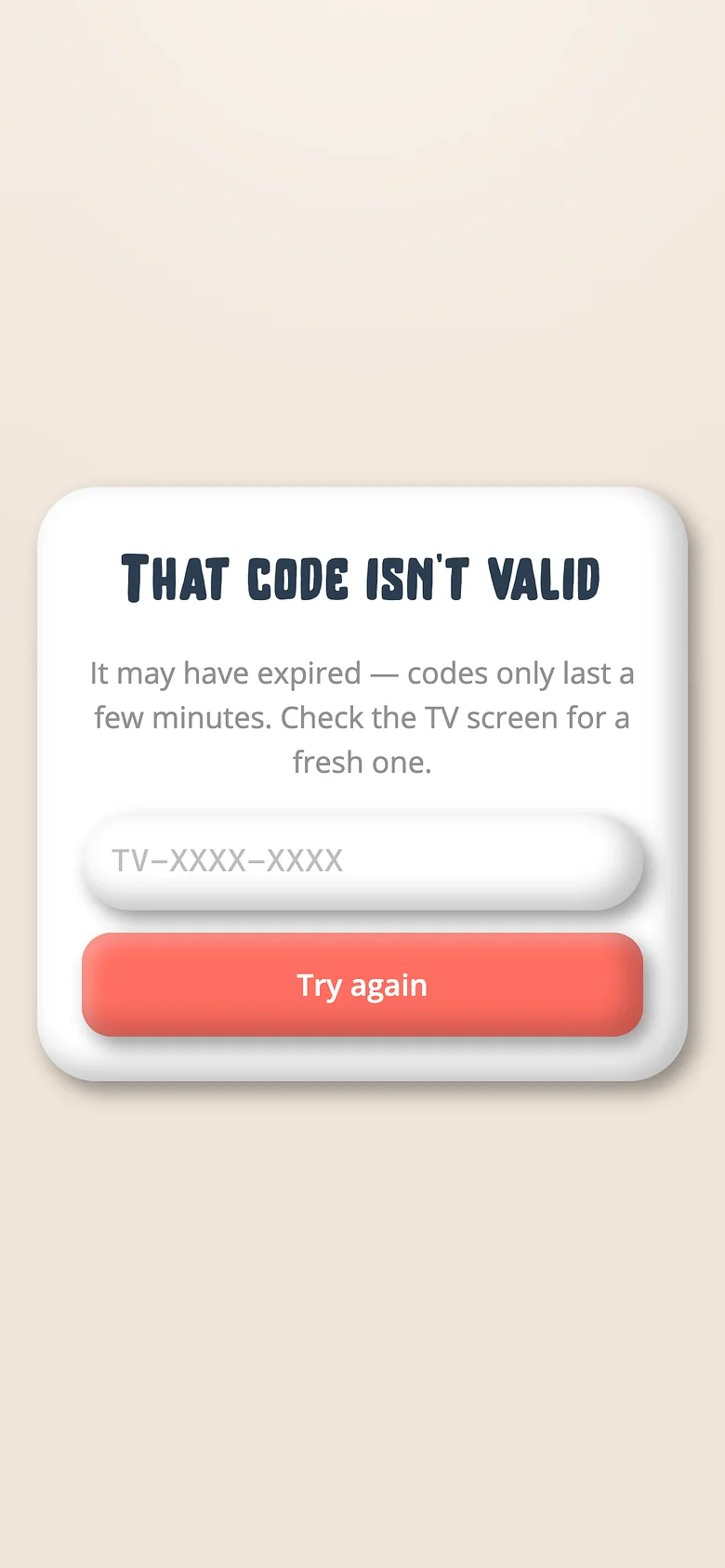
A TV has no keyboard, so it never asks for one. It shows a code; a phone approves it.
-
Open Voicebooks on the TV
From the App Store, Google Play, Amazon, the Samsung store or the LG store. It shows a short code. -
Approve it from a phone
Go to getvoicebooks.com/pair (or Profile → Pair a TV), type the code, tap Approve. You'll need to be signed in as a grown-up. -
Pick who's watching
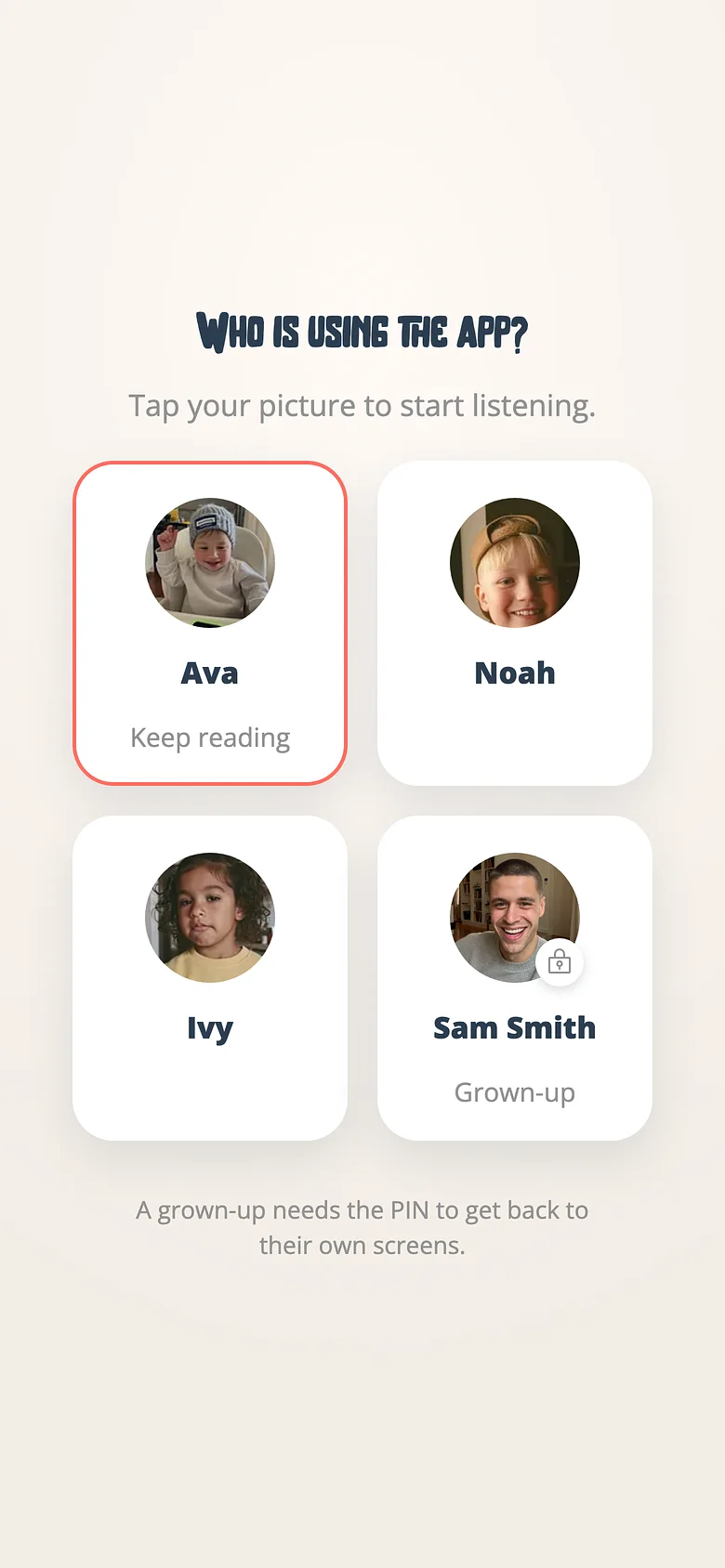
The TV lands on the profile chooser. A child picks their name; the grown-up side is never reachable from a remote.
Good to know
- Back on the remote goes back. Leaving a child's profile returns to the chooser, never to sign-in.
Try it with a real book
Free to start. The first page takes a minute.