Recording
Retake a page
Fluffed the last line? Record that one page again. Every other kept take stays exactly as it was.
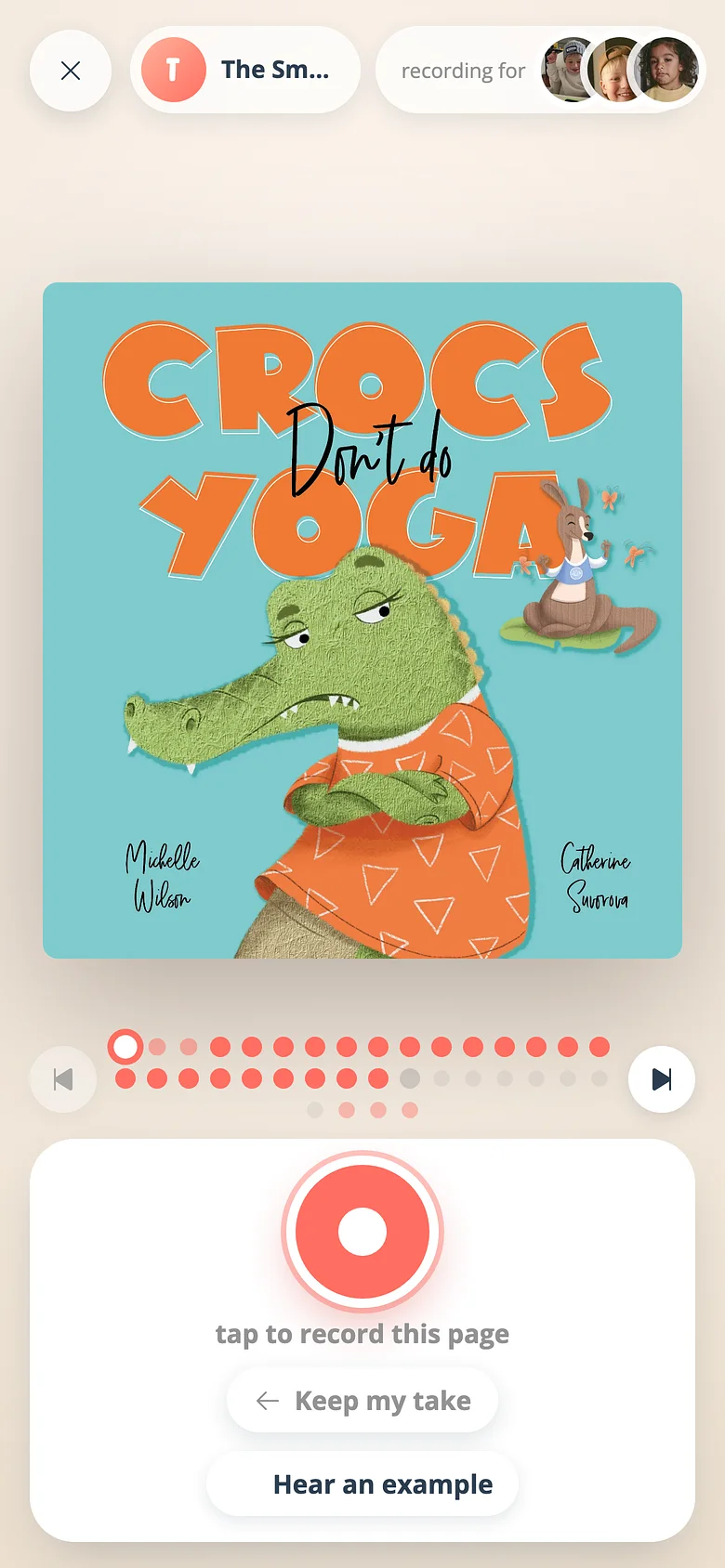
-
Open the recording
From the book's screen, open your recording. The dot row shows every page; a ring marks any take you haven't decided on. -
Go to the page
Tap its dot, or turn to it. -
Record over it
Press the red button. Recording clears the old answer; the new take plays back and asks again. Keep & next when it's right.
Good to know
- Leaving the studio throws away any take you haven't kept, and brings you back to that page next time — it's owed a take again.
Next
Record your first book
The whole thing is a book, a page and a red button. Here's the walk from an empty shelf to a published recording.
Read the guideHear an example before you read a page
Not sure how the page goes? One tap plays a finished take of it, then hands the microphone back.
Read the guideTry it with a real book
Free to start. The first page takes a minute.