Recording
Hear an example before you read a page
Not sure how the page goes? One tap plays a finished take of it, then hands the microphone back.
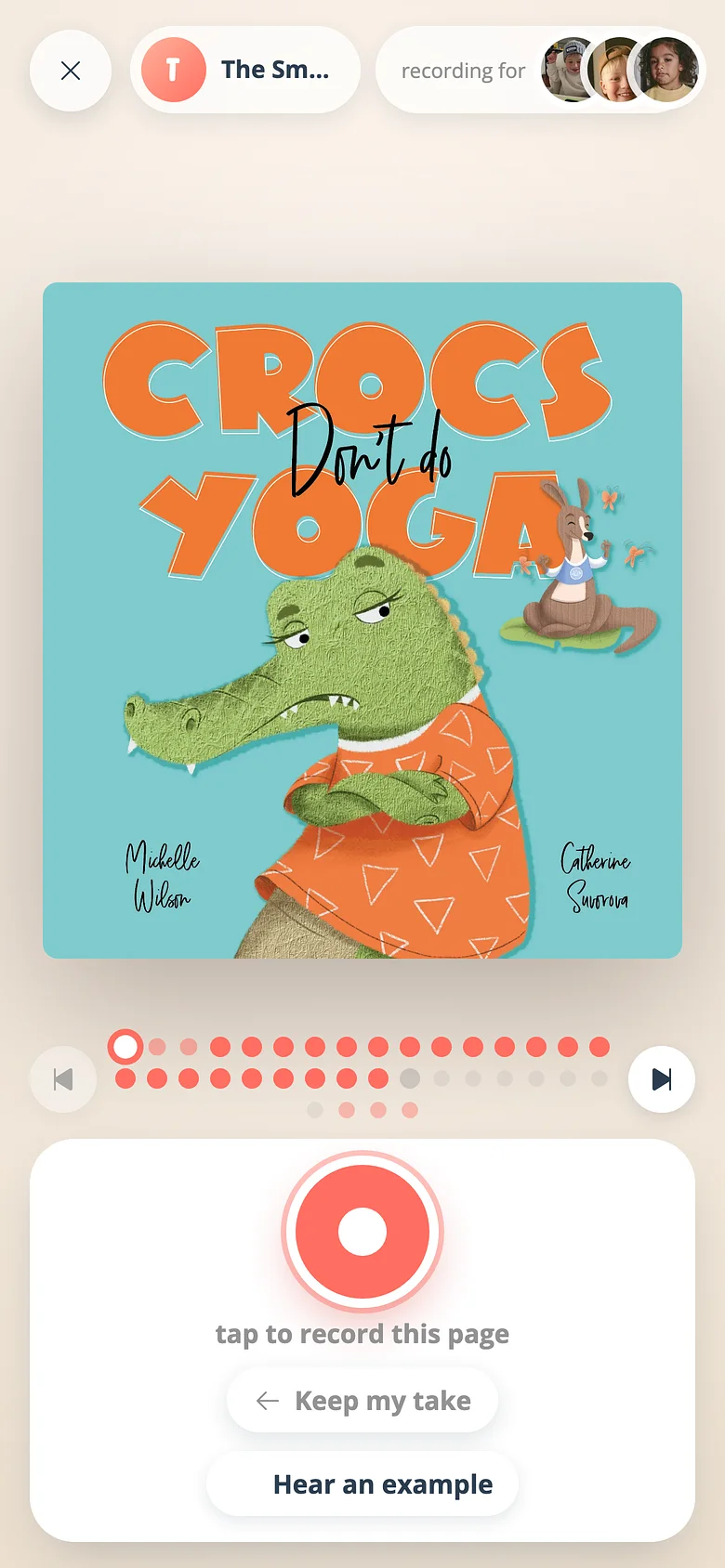
-
On the page, tap Hear an example
The studio looks in order — someone in your family who recorded this page, then another family who did, then any published take of the same kind of page. -
Listen
The example lifts over the studio and closes when it ends. A family member's is named; anyone else's is anonymous. -
Read it your way
Now the red button. Nothing about the example is kept in your recording.
Good to know
- Whether another family may hear your takes as examples is a setting on the family, on each recording artist, and on each recording. Any no wins.
Try it with a real book
Free to start. The first page takes a minute.