Your family
Set a parent PIN
Settings, billing, recording and invitations sit behind a gate. Here's how to close it.
-
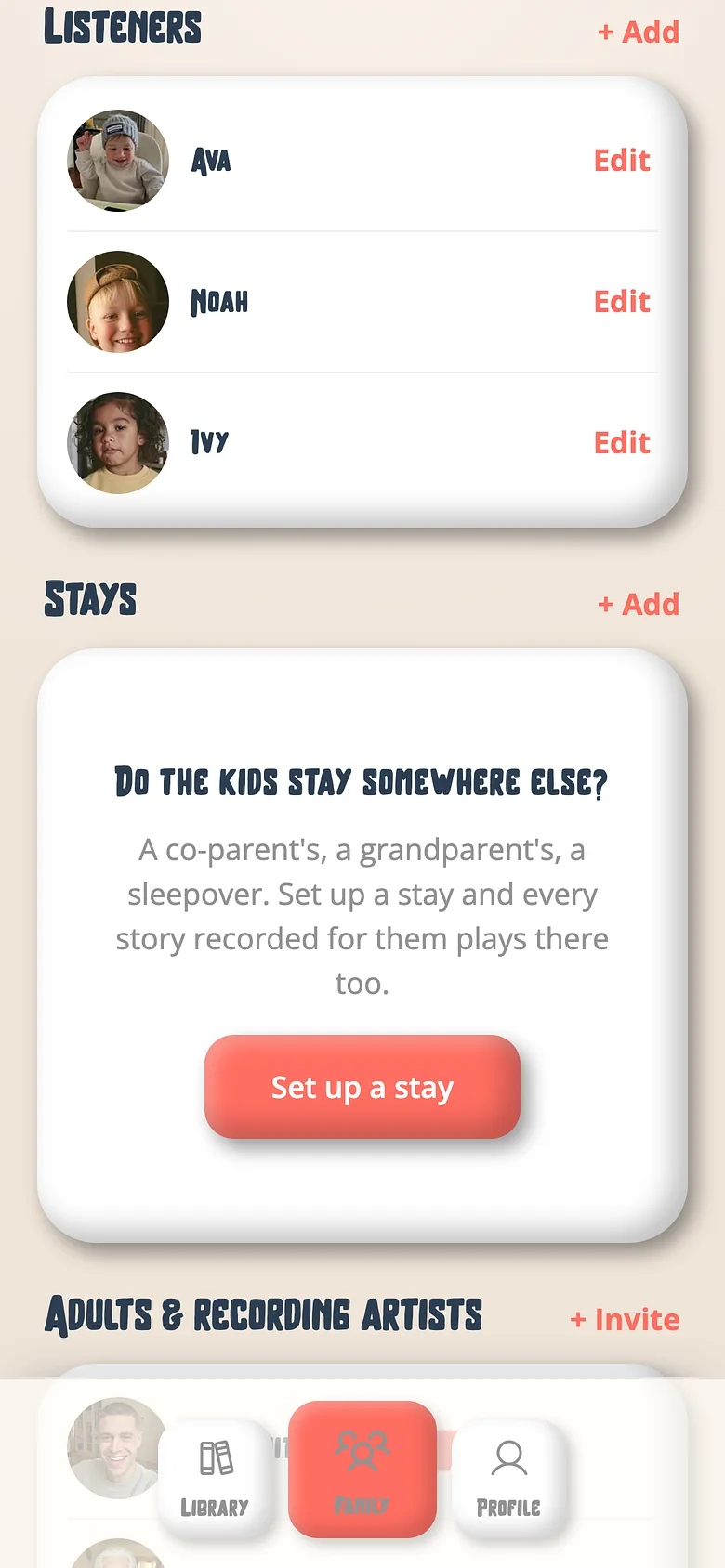
Family tab → Family settings → PIN
Four digits. It's asked whenever someone leaves a child's profile for the grown-up side. -
Let your phone answer it
In the apps, Face ID or a fingerprint can answer the PIN, so you never type it in front of the kids.
Good to know
- A TV never shows the grown-up side at all, PIN or not.
Try it with a real book
Free to start. The first page takes a minute.