Your family
Lend a recording to another family
A grandparent with two sets of grandchildren records a book once and lends it to both.
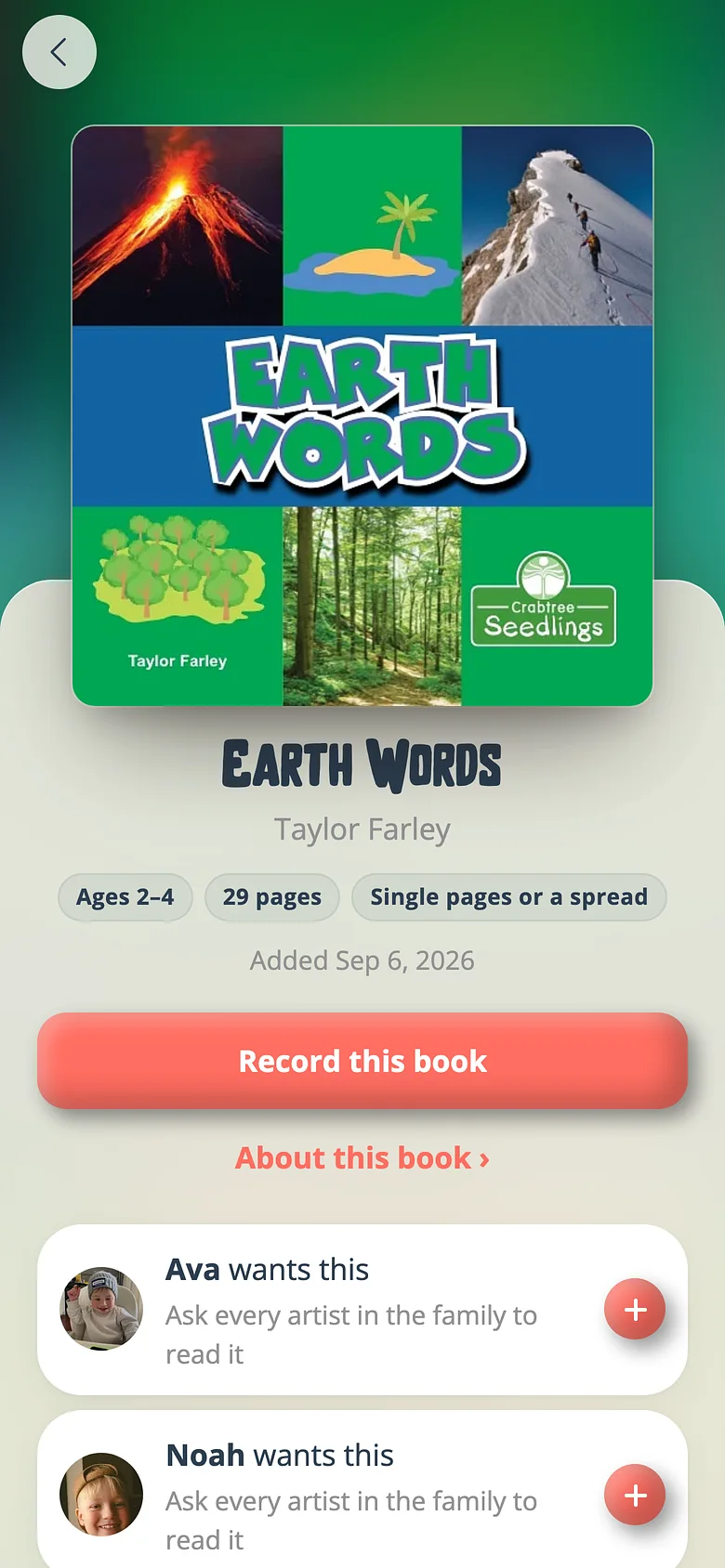
-
Open the book in the other family
Switch families from your Profile, open the book on that shelf, and press the record button. -
Choose to bring your recording
Before the studio opens, a sheet says which recording it could bring instead. Pick it and it's on that shelf.
Good to know
- Only a recording for everyone can be lent — one aimed at a particular child stays with them.
- Nothing is copied. Unpublish it upstream and every borrowed shelf goes quiet at once, which is why the Unpublish button names them.
Try it with a real book
Free to start. The first page takes a minute.