Account & devices
Give Voicebooks as a gift
A code, sent by email, on the day you choose. Nobody needs an account to give one.
Give Voicebooks
Give Voicebooks
-
Give Voicebooks
Choose the gift
Three months, six, a year of Family — or the Keepsake year of Family Plus. Prices at giftvoicebooks.com. -
Give Voicebooks
Say who it's for
Their email, your name, a note, and the day it should arrive. -
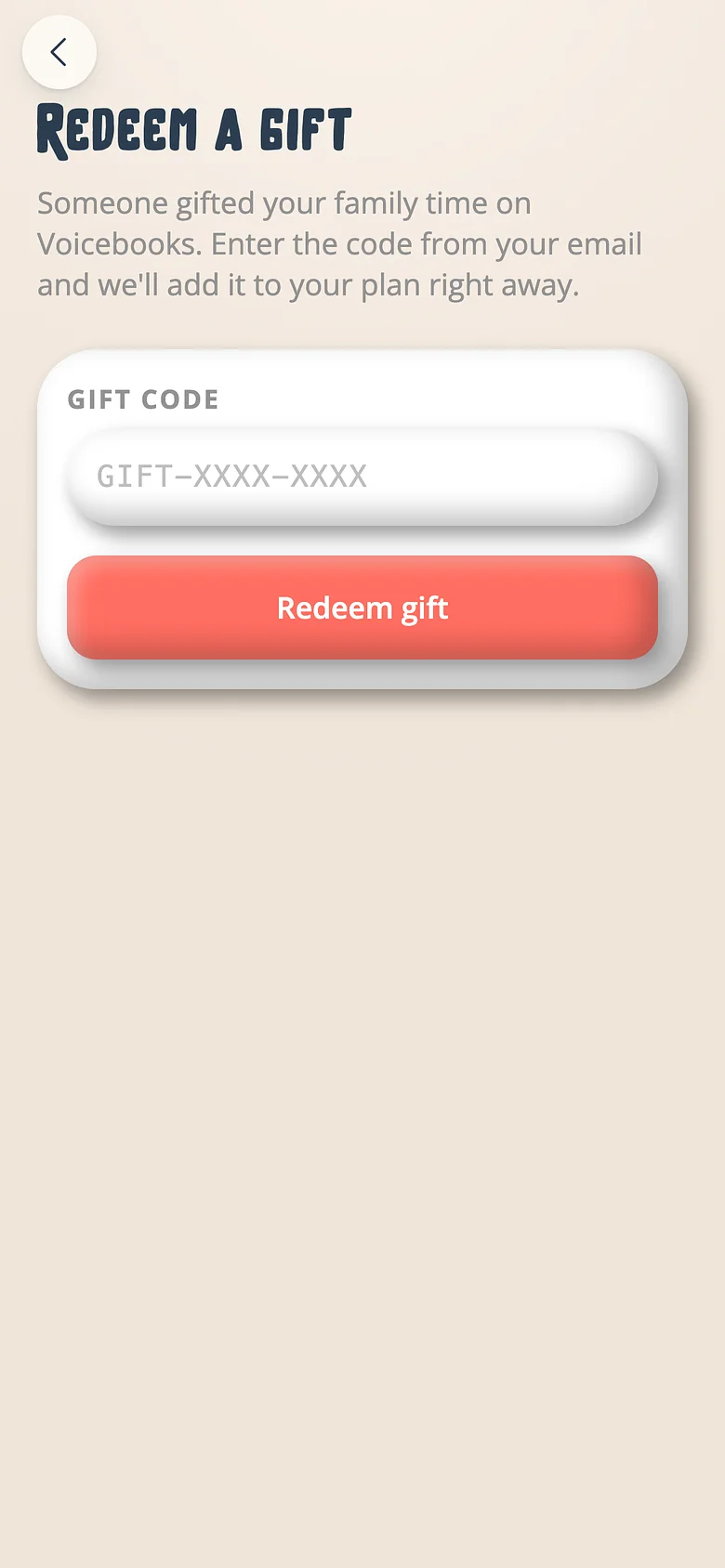
They redeem it
The code is one link. A new family signs up with it; an existing one redeems it from the Profile. Recording starts that night.
Good to know
- A gift stacks on top of whatever they're paying — nobody loses time.
Try it with a real book
Free to start. The first page takes a minute.