Recording artists
Become a recording artist
A studio is a free public account. Families follow you and shelve what you release.
-
Open a studio
Choose Recording artist at signup, or open a studio from your Profile. Your page is /artists/your-name from the start. -
Record and release
Finish a reading, then release it platform-wide — free or with a price. Release is the consent; families shelve it and it plays in their reading room. -
Connect payouts
Stripe Connect, from your dashboard. Free releases work before this; selling and commissions wait on it. -
Take commissions
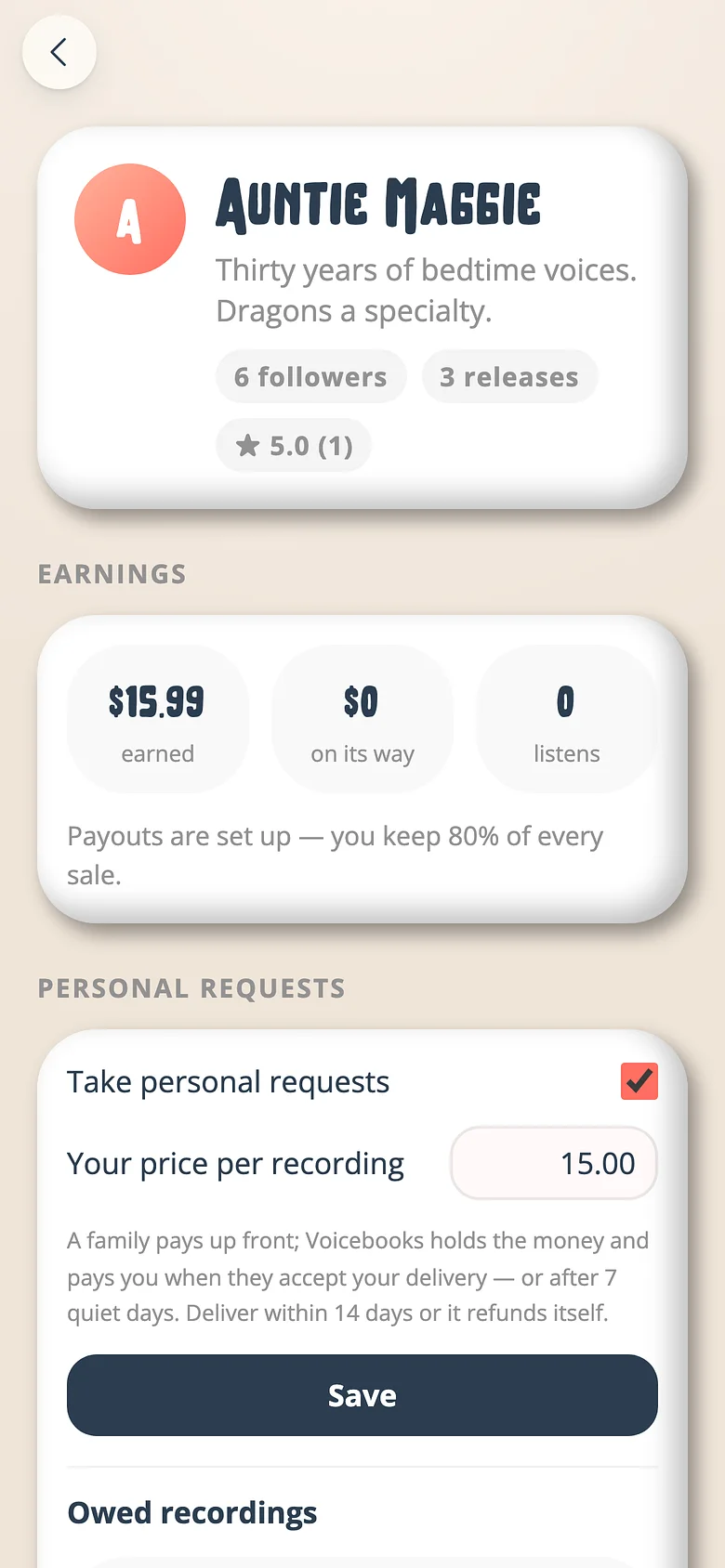
A family asks for a book read for their child. They pay up front; we hold it; you deliver; they accept (or seven quiet days pass) and it's paid out, less 20%.
Good to know
- Ten books to start; five distinct followers and the shelf is unlimited.
Try it with a real book
Free to start. The first page takes a minute.